IVI and VXIplug&play Drivers
R2026bConnect to and communicate with instruments including oscilloscopes, function generators, signal generators, and spectrum analyzers using industry-standard IVI and VXIplug&play drivers from instrument vendors such as Keysight® and Tektronix®. Support for these drivers is available through the Instrument Control Toolbox™ Support Package for IVI and VXIplug&play Drivers.
Functions
Apps
| Instrument Explorer | Connect to and communicate with instruments using MATLAB driver (Since R2024a) |
Topics
Device Drivers
- Install Instrument Control Toolbox Support Package for IVI and VXIplug&play Drivers
Install required software and install Instrument Control Toolbox Support Package for IVI and VXIplug&play Drivers. - Use IVI-C Class-Compliant Drivers
Use IVI-C class-compliant MATLAB® drivers to interface with MATLAB for instruments running on IVI-C class-compliant drivers. - Use NI-RFSA and NI-RFSG Instrument Drivers
Use NI-RFSA and NI-RFSG MATLAB drivers to interface with MATLAB for VST, VSA, and VSG instruments. - Supported IVI Drivers
Use these IVI drivers from the Instrument Control Toolbox Support Package for IVI and VXIplug&play Drivers. - Transition Your Code to ividev Interface
Connect to an IVI instrument usingividevinstead oficdevice. - IVI Drivers Overview
Communicate with instruments using Interchangeable Virtual Instrument (IVI) drivers and IVI-C drivers, provided by various instrument manufacturers. - IVI Configuration Store
Examine and configure your IVI configuration store.
Instrument Explorer App
- Add New Device and Configure Connection
Add a new device in the Instrument Explorer app. - Configure Device Connection
Specify device connection parameters in the Instrument Explorer app.
Troubleshooting
Troubleshooting IVI and Quick-Control Interfaces
Try these tips if you have problems using the toolbox with the IVI and Quick-Control interfaces. Includes information about supported platforms, adaptor requirements, configuration and connection, and other interface-specific tips.
Featured Examples
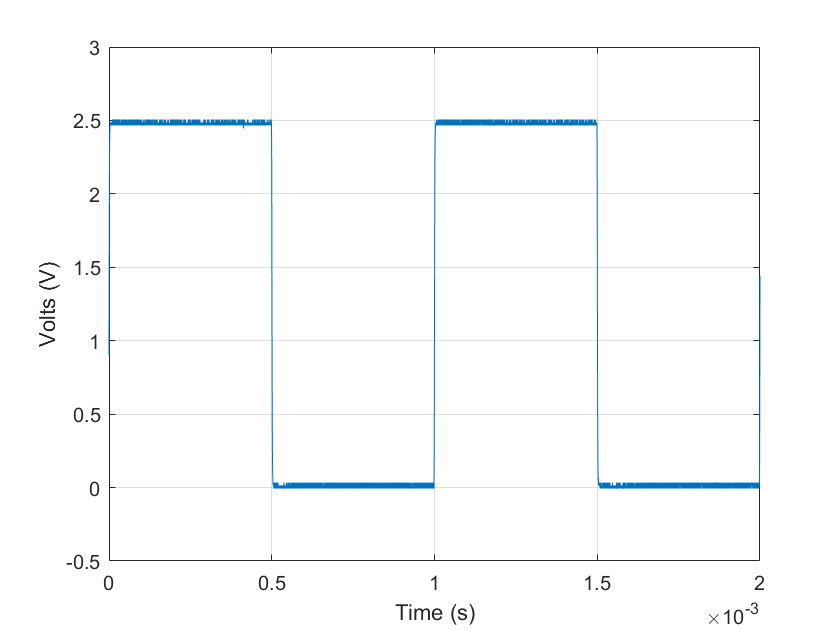
Read Waveform Data from Keysight DSO-X 1204A Oscilloscope Using IVI-C Driver
Use the AgInfiniiVision driver to acquire waveform data from an
oscilloscope and output the result.

Generate AM Waveforms on Keysight 3352x Waveform Generator Using IVI-C Driver
Use the Ag3352x driver to generate waveforms with a waveform
generator and output the result.
Configure Output Signal on Keysight RF Signal Generator Using IVI-C Driver
Use the AgRfSigGen driver to configure an output signal with a
signal generator and output the result.
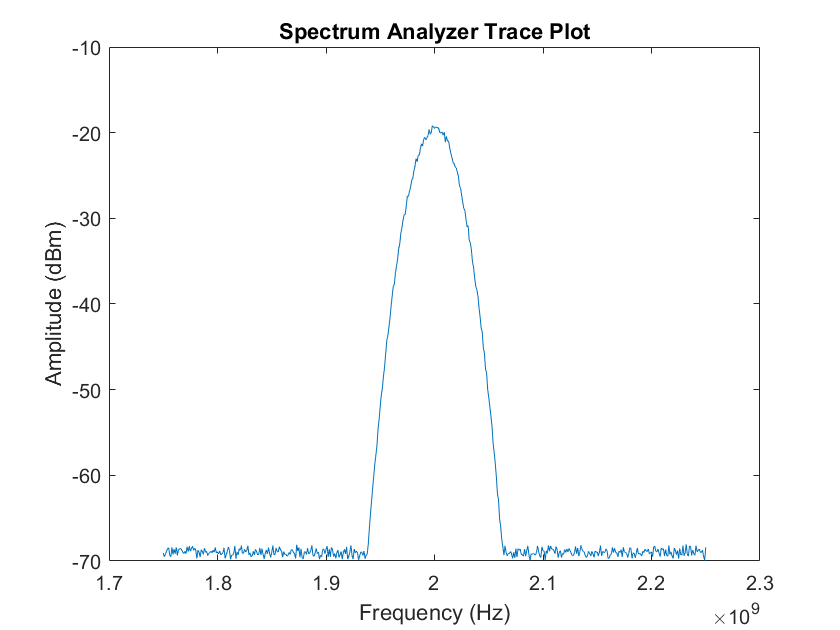
Acquire Signal Spectrum on Rohde & Schwarz Spectrum Analyzer Using IVI-C Driver
Use the rsspecan driver to acquire a signal spectrum from a
spectrum analyzer and visualize it in MATLAB.
Set Output Voltage and Make Measurements on Keysight AC6801A Power Supply Using IVI-C Driver
Use the AgAC6800 driver to make measurements from an AC power
supply and output the result.
Set Output Voltage and Make Measurements from Keysight AgE3633A DC Power Supply Using IVI-C Driver
Use the AgE36xx driver to make measurements from a DC power supply
and output the results.
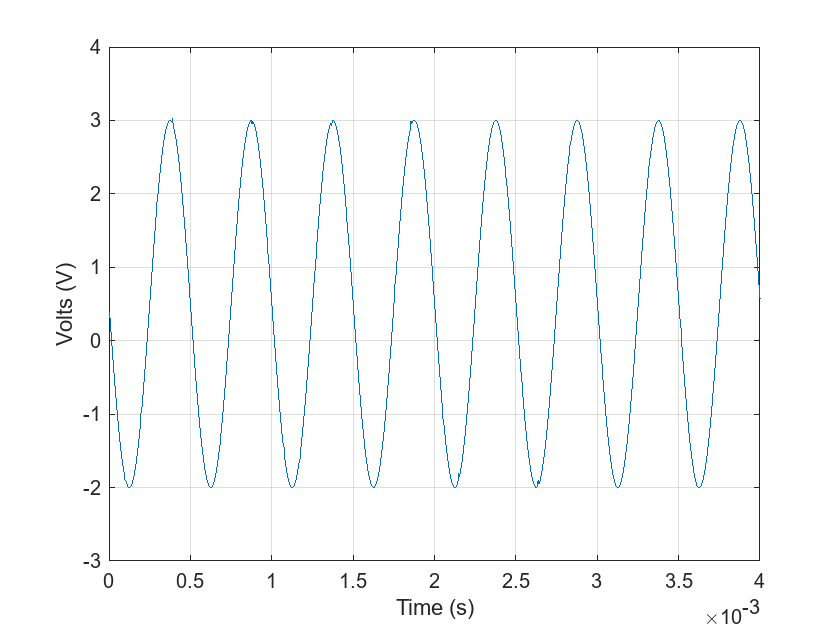
Read Waveforms from Keysight L4534A Digitizer Using IVI-C Driver
Use the agl453xdni driver to acquire a waveform from a digitizer
and visualize it in MATLAB.
Measure AC Voltage on Keysight 34460A Digital Multimeter Using IVI-C Driver
Use the Ag3446x driver to measure AC voltage from a digital
multimeter and output the result.
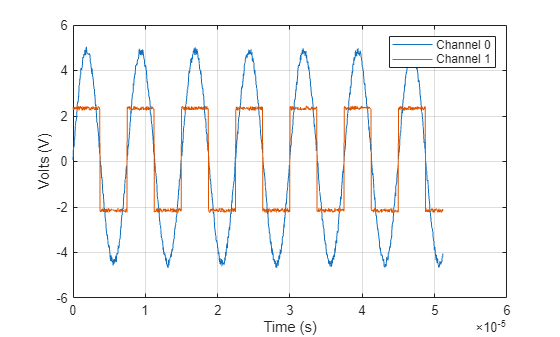
Fetch Waveform Through NI-SCOPE MATLAB Instrument Driver in Simulation Mode
Use the niScope driver to acquire digital waveforms from an
oscilloscope and visualize them in MATLAB.
Generate Sine Wave Using NI-FGEN Instrument Driver
Use the NIFGEN driver to generate a sine wave on a function
generator.
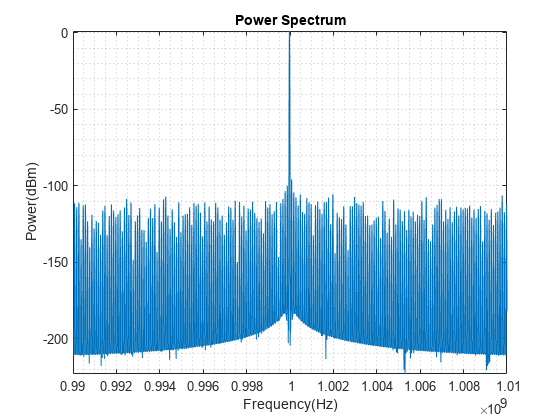
Acquire Spectral Data from Vector Signal Transceiver Using NI-RFSA Instrument Driver
Connect to a simulated NI PXIe-5841 Vector Signal Transceiver and acquire a finite amount of spectral data from it.
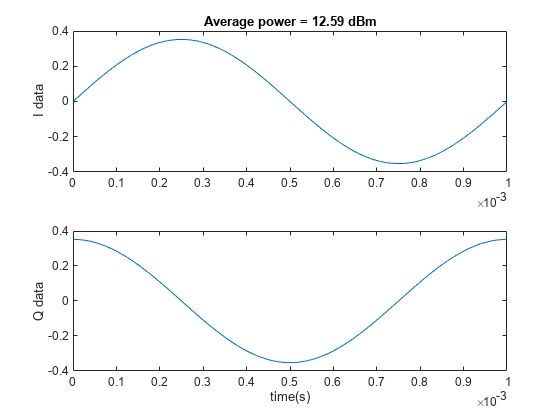
Acquire I/Q Data from Vector Signal Transceiver Using NI-RFSA Instrument Driver
Connect to a simulated NI PXIe-5841 Vector Signal Transceiver and acquire a finite amount of I/Q data from it.
Generate I/Q Data from Vector Signal Transceiver Using NI-RFSG Instrument Driver
Connect to a simulated NI PXIe-5841 Vector Signal Transceiver and use it to generate a finite amount of I/Q data.
Generate I/Q Data from Vector Signal Transceiver Using NI-RFSG Scripting
Connect to a simulated NI PXIe-5841 Vector Signal Transceiver and use it to generate I/Q data using NI-RFSG scripts.
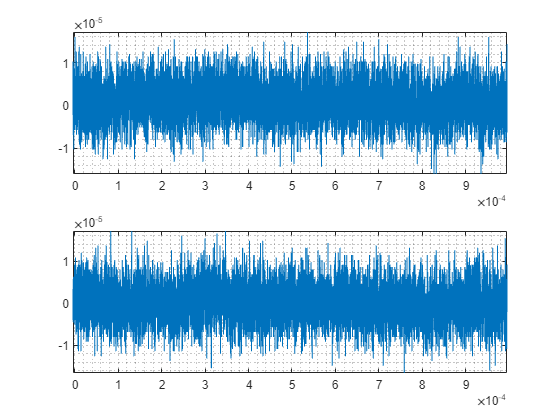
Acquire Parameterized I/Q Data from Vector Signal Transceiver by Parameter Sweeping
Connect to a simulated NI PXIe-5841 Vector Signal Transceiver and configure it to return a list of time-triggered frequency and power sweeps.

