PX4 Write Parameter
R2026bPX4 Write Parameter block
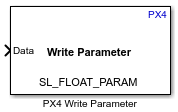
To add a block to a model, double-click the canvas and start typing the block name. Then, select the block from the list.
Libraries:
UAV Toolbox Support Package for PX4 Autopilots / PX4 Utility Blocks
Description
Add-On Required: This feature requires the UAV Toolbox Support Package for PX4 Autopilots add-on.
The PX4 Write Parameter block writes a value to a named PX4 system parameter from a Simulink model. To use the block, select a parameter name in the Parameter Name list, connect a signal of the matching data type to the Data input port, and run the simulation.
The block supports the parameters listed in PX4 Parameter Reference. You can also use your own custom parameters that align with the PX4 guidelines. For more information, see PX4 guidelines.
During Connected I/O simulation, this block writes parameter values directly to the flight controller hardware.
Examples
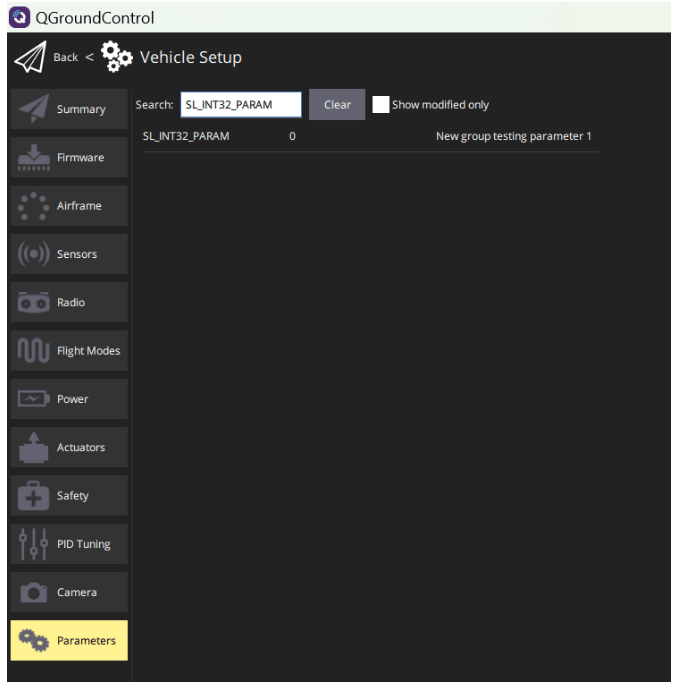
Getting Started with PX4 Write Parameter Block
Write parameter values to PX4® flight controllers using PX4 Write Parameter block.
Ports
Input
Parameters
Version History
Introduced in R2025a

