Animate Multiple UAVs Using Dynamic Mesh
R2026bThis example shows how to animate multiple UAVs using the UAV Animation Block, and how to conditionalize the meshes in the simulation.
Model Overview
Open the multipleUAVAnimationModel.slx Simulink® model.
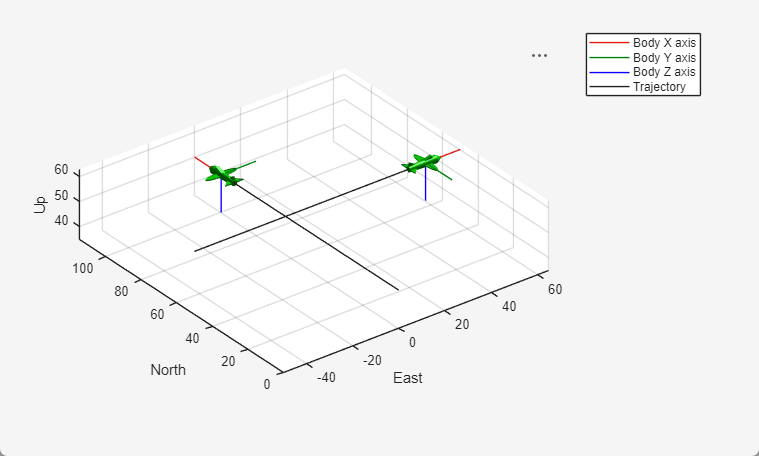
open_system("multipleUAVAnimationModel.slx")This Simulink model simulates two fixed-wing UAVs flying in straight flight paths that are perpendicular to one another. Each UAV flies at a constant altitude, one at 50 meters and the other at 60 meters.
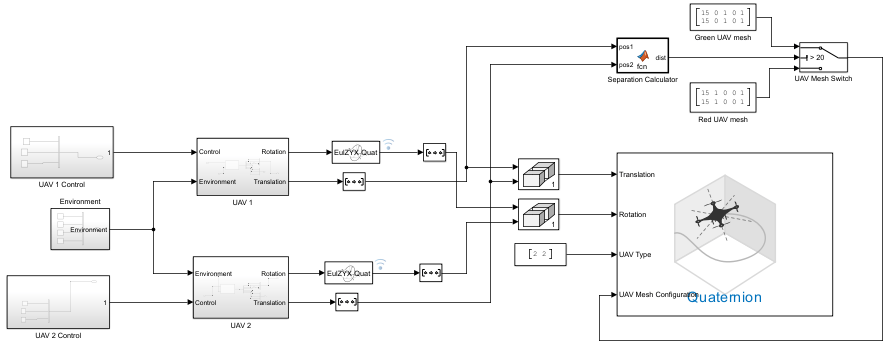
This section of the Simulink model conditionalized the UAV mesh configuration input of the UAV Animation block based on the separation distance of the two UAVs.
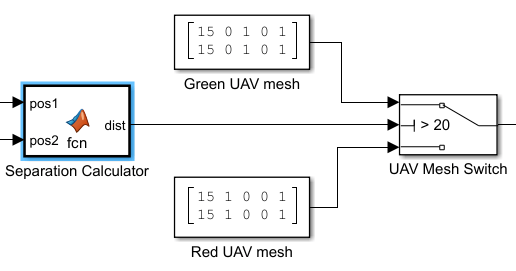
The Separation Calculator block outputs the separation distance of the UAVs. The UAV Mesh Switch block uses this separation distance to choose whether to input Green UAV mesh or Red UAV mesh configuration to the UAV Mesh Configuration input port of the UAV Animation Block.
The threshold value of the UAV Mesh Switch block specifies the separation distance at which the UAV mesh changes color. In this example, the threshold value is 20 meters.
Simulate Model
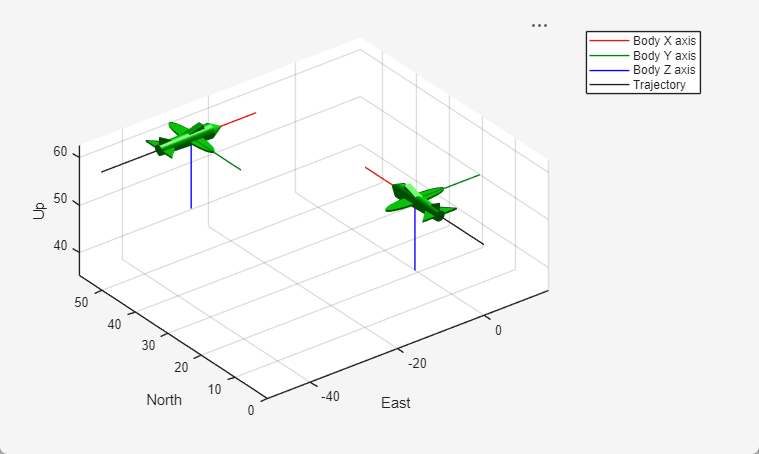
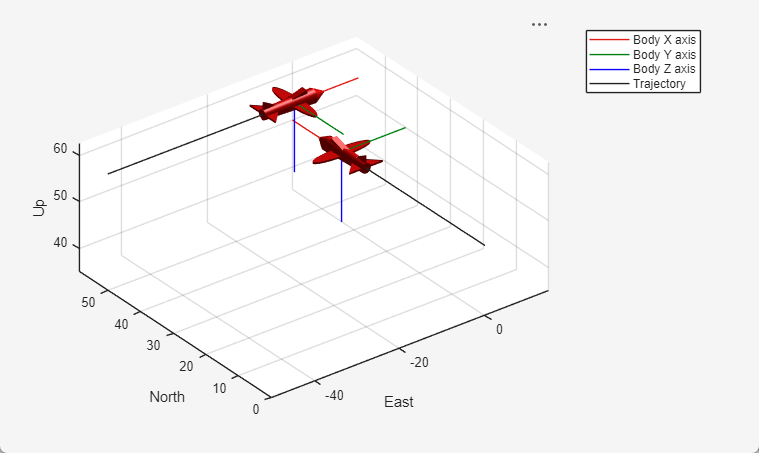
Run the Simulink model. Observe that the UAVs begin the simulation more than 20 meters apart, with green meshes. As they close within 20 meters of one another, their meshes become red, then become green when they return to more than 20 meters of separation.
See Also
UAV Animation | Guidance Model

