Results for

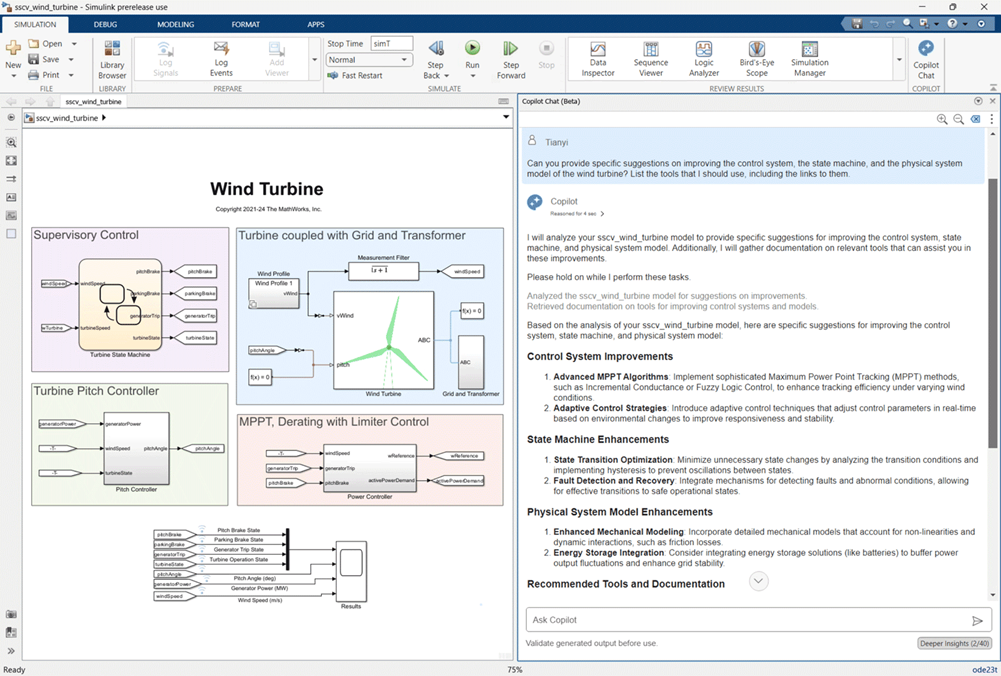
I recently decided to investigate different AI coding assistant technologies and see how they can help with Simulink. This led me into a series of blog posts that I plan to publish in the next few days and weeks.In this post, I will begin with:MATLAB CopilotSimulink Copilot BetaIn future posts, I am planning to visitMy personal attempt at talking to













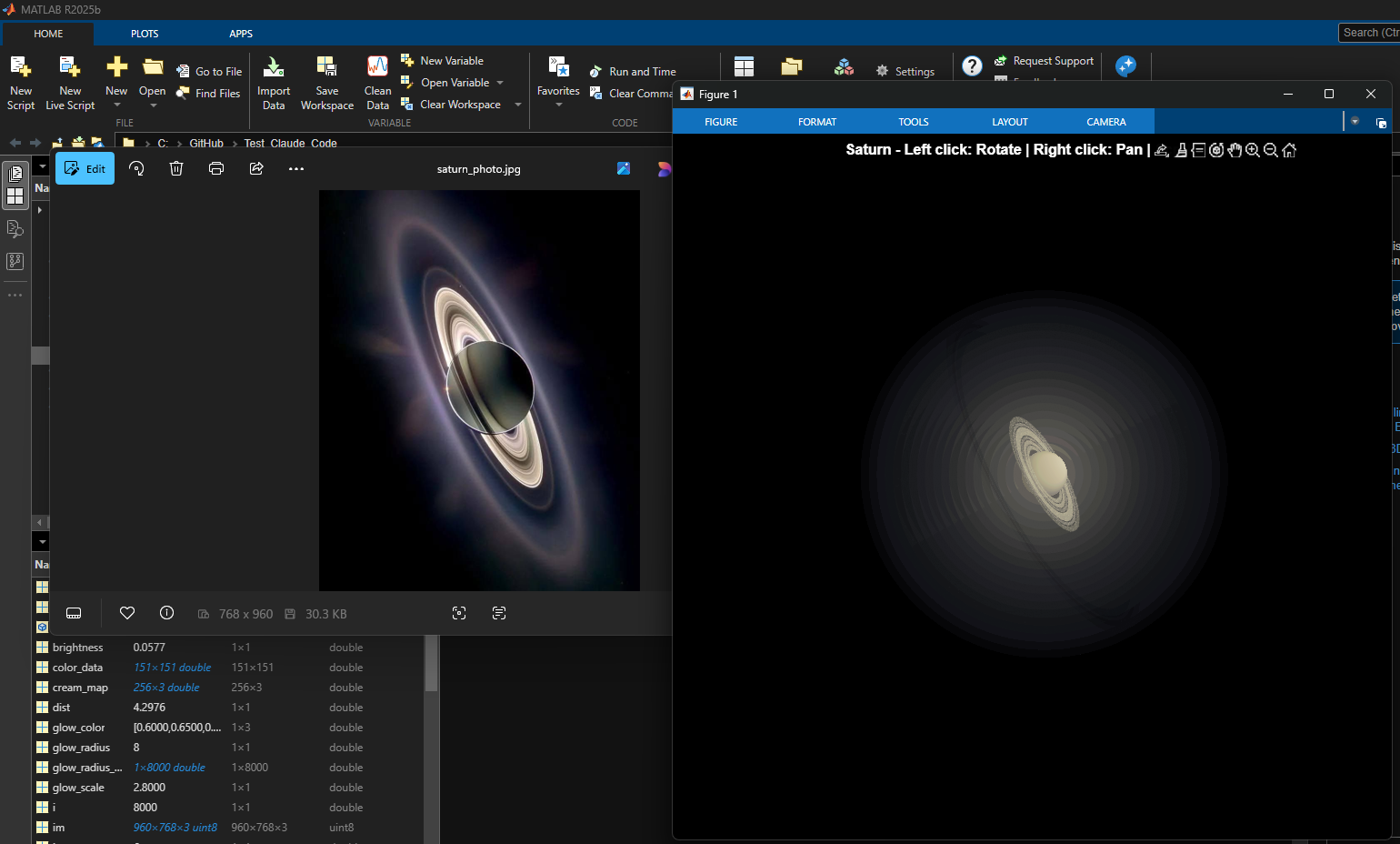



Hello,, i wanna know how to remove decimal?? Example a = 2.0000 how to remove zero beside point so it will be a = 2?? please help me



- Write a tentative solution.
- Copy a test case from the test suite into the Scratch Pad.
- Click the Run Function button—this is immediately below the Scratch Pad and above the Output panel and Submit buttons.
- If the solution does not work, modify the solution code, sometimes putting in disp() lines and/or removing semicolons to trace what the code is doing. Repeat until the solution passes.
- If the solution does work, repeat steps 2 through 4.
- Once there are no more test cases to copy and paste, clean up the code, if necessary (delete disp lines, reinstate all semicolons to suppress output). Click the Run Function button once more, just to make sure I did not break the solution while cleaning it up. Then, click the Submit button.

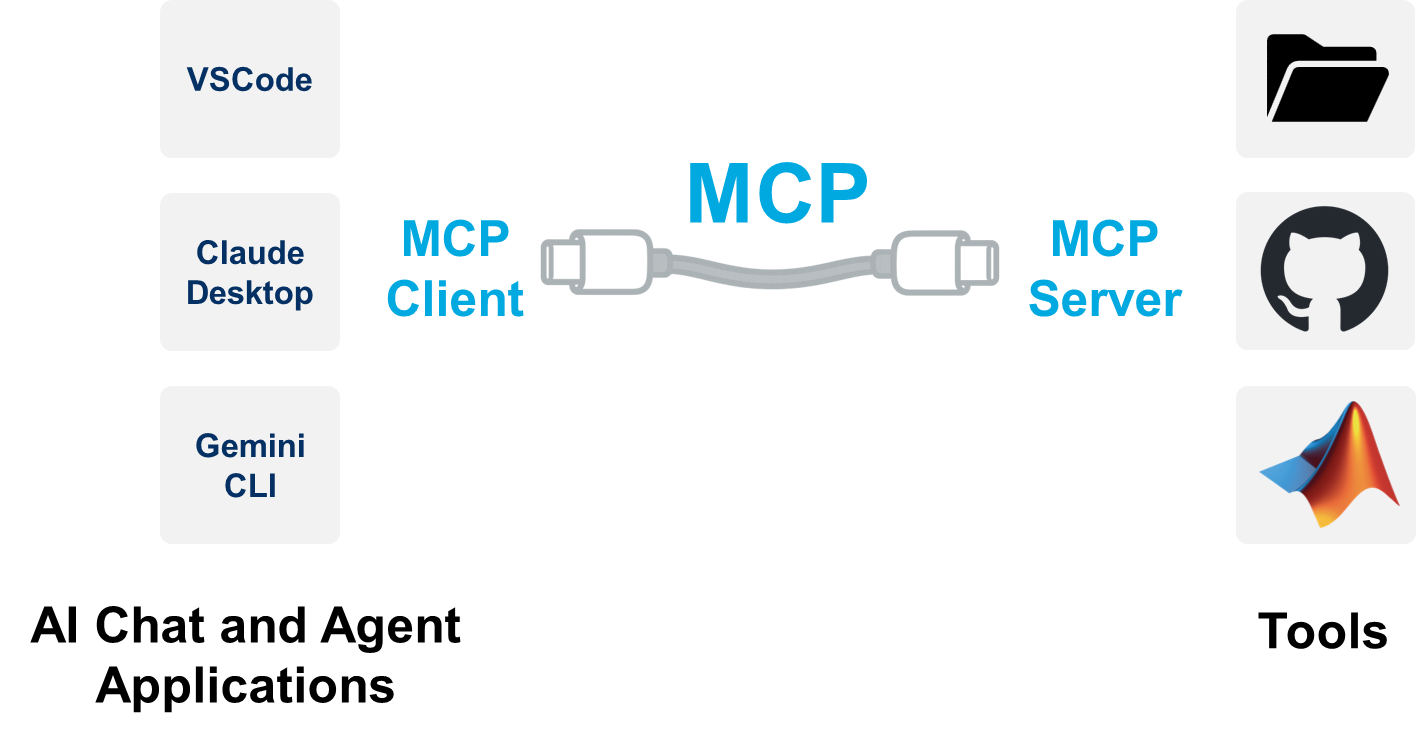
Releasing the MATLAB MCP Core Server on GitHub
This blog post is co-authored with Akshay Paul, the product manager for the new MATLAB MCP Core Server that released on Friday 31st of October on GitHub: github.com/matlab/matlab-mcp-core-server The AI Copy & Paste problem If you are like me, you are probably familiar with this situation. Going to your favorite chat app (ChatGPT® or Claude® for instance) and asking a question about MATLAB.

- Join a team that matches your coding personality
- Solve Cody problems, complete the contest problem group, or share Tips & Tricks articles
- Bonus Round: Two top players from each team will be invited to a fun code-along event
- Main Round: Nov 10 – Dec 7, 2025
- Bonus Round: Dec 8 – Dec 19, 2025
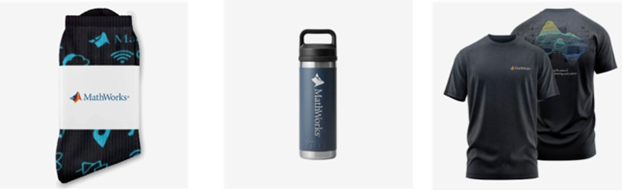
- (New prize) Solving just one problem in the contest problem group gives you a chance to win MathWorks T-shirts or socks each week.
- Finishing the entire problem group will greatly increase your chances—while helping your team win.
- Share high-quality Tips & Tricks articles to earn you a coveted MathWorks Yeti Bottle.
- Become a top finisher in your team to win Amazon gift cards and an invitation to the bonus round.






Select a Web Site
Choose a web site to get translated content where available and see local events and offers. Based on your location, we recommend that you select: United States.
You can also select a web site from the following list
Americas
- América Latina (Español)
- Canada (English)
- United States (English)
Europe
- Belgium (English)
- Denmark (English)
- Deutschland (Deutsch)
- España (Español)
- Finland (English)
- France (Français)
- Ireland (English)
- Italia (Italiano)
- Luxembourg (English)
- Netherlands (English)
- Norway (English)
- Österreich (Deutsch)
- Portugal (English)
- Sweden (English)
- Switzerland
- United Kingdom (English)