One-button game -- no editing => one tip and one open question
Once you've uploaded your one-button game, it doesn't seem like there's a way to edit/update it. That's led me to fall into a couple of traps. One has a simple solution, so I'll share it. The other has me still scratching my head, so I'll open it up for discussion.
- Restarting. While you're developing and testing in MATLAB, it's easy enough to close the window and rerun your game. But the process is clunkier in the online gallery, so make sure your game includes a clean way to restart. If you're using an agent, it's easy enough to instruct it to modify the spacebar/click callback when the game ends so that it now calls the start/initialization function. This is a nice job for an agent (standard coding pattern it will probably do right, while I'll mess up and get annoyed).
- Timing. I can't figure out how to translate frame rate on my slow desktop MATLAB to the online running framework. Things that seem very sedate while testing suddenly get very exciting when I upload. Anyone know a good way to emulate just how zippy the real game will be?
2 Comments
Time Descending
Regarding "Timing. I can't figure out how to translate frame rate on my slow desktop MATLAB to the online running framework."
I actually experienced the opposite. After uploading a game, I felt like the app version was laggy compared to my desktop (which mildly affects game play). Adding it to my MATLAB Drive and opening in ML Online was even slower.

Matt, Good tip on the first one. And while there's no edit, you can delete your entry from its page and submit again(its just part of the contest rules).
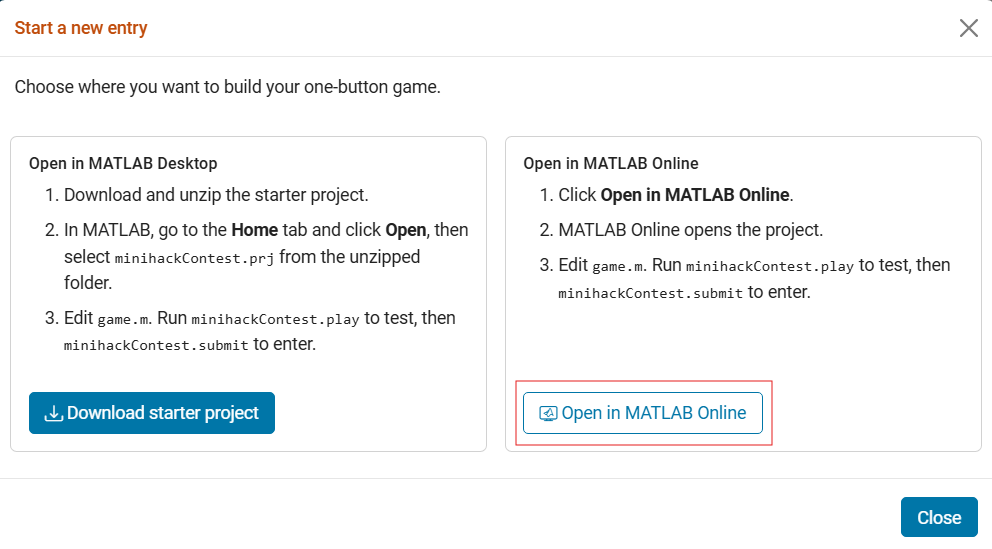
Regarding timing, the game runs the same way on desktop and in MATLAB Online as both use the same harness, which caps each frame's time step at 50 ms. But if your machine is slow, it can take longer than 50 ms to draw each frame, and the game still only advances 50 ms. On a faster setup like MATLAB Online it runs at full speed, which is why it suddenly feels much quicker. I thibk one way to emulate tthis to see the real speed would be to run them in MO once your game is ready. You can open the starter project in MATLAB Online from the contest page, replace its game.m with yours, and run minihackContest.play.
Sign in to participate
Tags


