progress bar

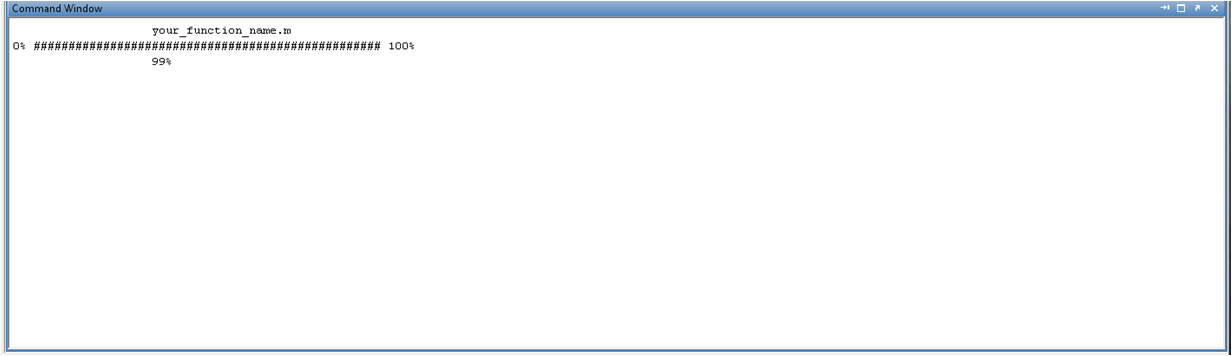
This function print on your command window a handmade progress bar.

You are now following this Submission

If you have a time consuming loop, you can measure the time to end with this function. The only thing you have to know is the total number of loops to do.
For instance if you use:
>>for j = 1:10^6
>>statement;
>>progress_bar(j, 10^6);
>>end
you get the same result in screenshot.

Cite As

Giuliano Langella (2026). progress bar (https://in.mathworks.com/matlabcentral/fileexchange/23892-progress-bar), MATLAB Central File Exchange. Retrieved .

Categories

Find more on App Building in Help Center and MATLAB Answers

General Information

MATLAB Release Compatibility

  • Compatible with any release

Platform Compatibility

  • Windows
  • macOS
  • Linux
Version Published Release Notes Action
1.1.0.0

A third optional input parameter is added. it is useful if embedding the progress_bar function within another function in order to visualize for instance its name (e.g. see screenshot).

1.0.0.0