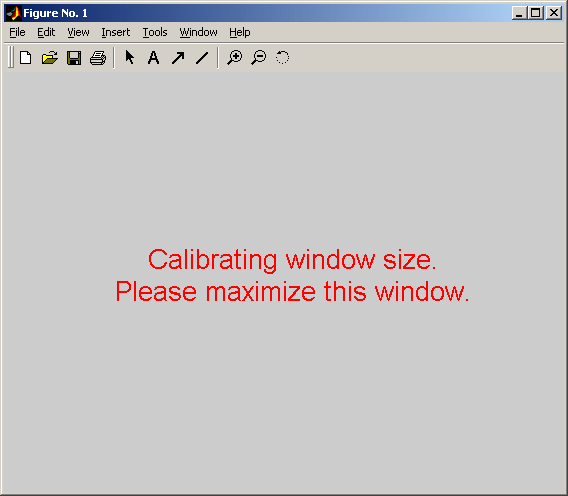
Maximize window
Maximize window size to fill the entire screen. Has learning capability.

You are now following this Submission
- You will see updates in your followed content feed
- You may receive emails, depending on your communication preferences
Cite As
Yuval Cohen (2026). Maximize window (https://in.mathworks.com/matlabcentral/fileexchange/3812-maximize-window), MATLAB Central File Exchange. Retrieved .
Acknowledgements
Inspired: subfig, Simulation of Random Walk
General Information
- Version 1.0.0 (1.65 KB)
-
No License
MATLAB Release Compatibility
- Compatible with any release
Platform Compatibility
- Windows
- macOS
- Linux
| Version | Published | Release Notes | Action |
|---|---|---|---|
| 1.0.0 | New feature - resize image to fill a portion of the screen |

