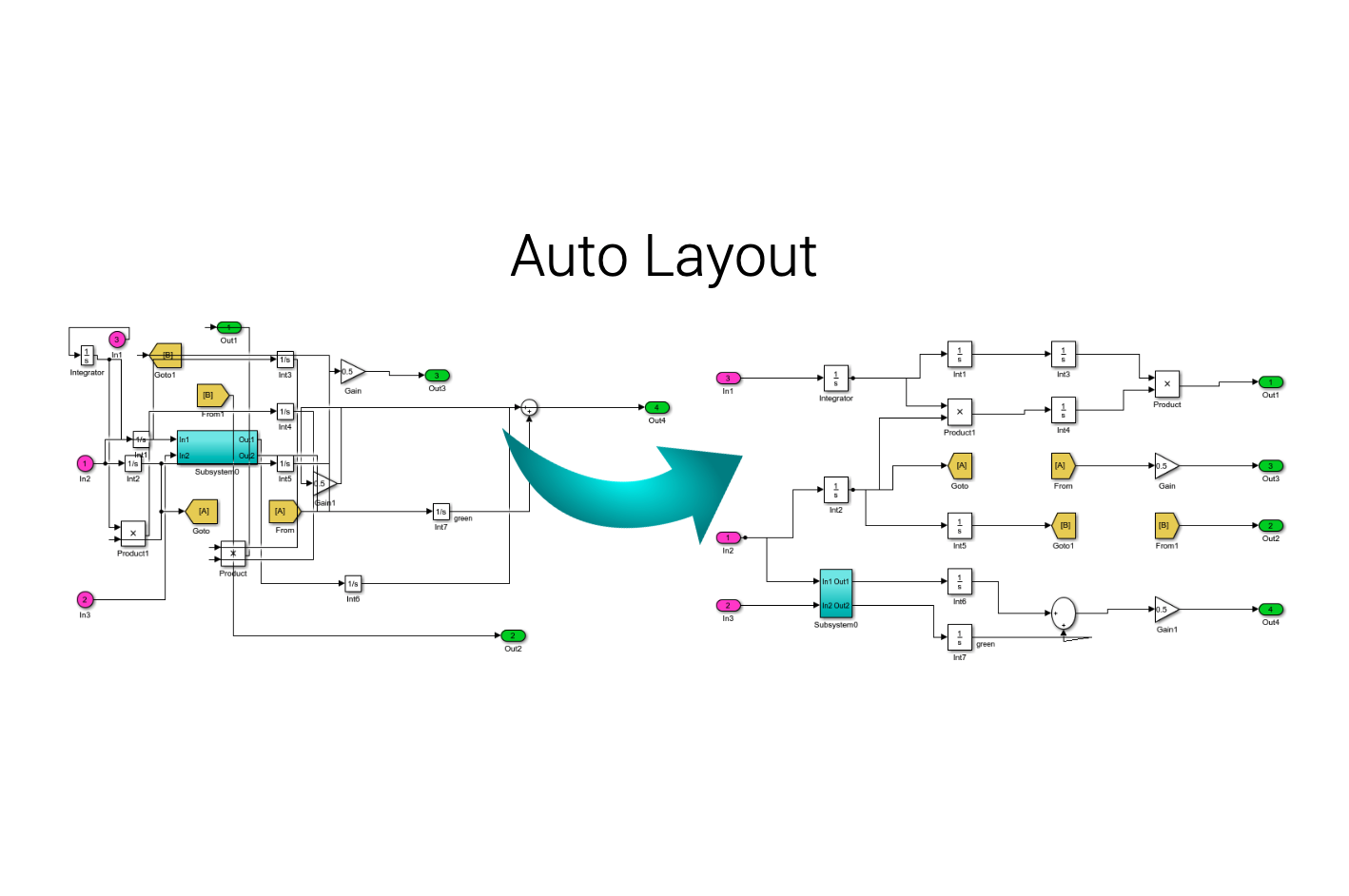
Auto Layout Tool
The Auto Layout Tool is used to automatically improve the layout of Simulink models.

You are now following this Submission
- You will see updates in your followed content feed
- You may receive emails, depending on your communication preferences
Cite As
McSCert (2026). Auto Layout Tool (https://github.com/McSCert/Auto-Layout/releases/tag/v2.3), GitHub. Retrieved .
General Information
- Version 2.3.0 (3.26 MB)
-
 View License on GitHub
MATLAB Release Compatibility
- Compatible with any release
Platform Compatibility
- Windows
- macOS
- Linux
| Version | Published | Release Notes | Action |
|---|---|---|---|
| 2.3.0 | See release notes for this release on GitHub: https://github.com/McSCert/Auto-Layout/releases/tag/v2.3 |
||
| 2.2.2 | – Minor edits to the Installation instructions in the User Guide.
|
||
| 2.2.1 | – Corrected user guide path in tool description. |
||
| 2.2.0 | – Fixed various bugs that caused errors or resulted in poorer layouts.
|
||
| 2.1.0 | Fixed several bugs and improved line routing. |
||
| 2.0.0 | – The tool can now use Matlab’s built-in layout engine
|
||
| 1.6.1 | Updated the "Other Requirements" text. |
||
| 1.6.0 | The tool uses Graphviz, which is a set of tools for drawing graphs (see the user guide for instructions on how to install/setup Graphviz). The Auto Layout Tool has been tested with R2011b, R2015a, R2015b, R2016a, and R2017a. |
||
| 1.5.1 | Updating formatting of description. |
||
| 1.5.0 | - Fixed issue with the Context Menu |
||
| 1.4.0 | - Addressed issue raised by Ganesh Hegade regarding closing of GUI windows.
|
||
| 1.3.0 | Updating cover image. Removed a "Required Product" from the list. |
||
| 1.2.1 | Added the function getAllLinePoints.m that was missing in the previous release to further improve upon the layout produced by the tool. |
||
| 1.2.0 | – Improved line routing, sizing of blocks, and spacing between blocks,
|
||
| 1.1.0 | Now working on Linux and Mac OS X. |
||
| 1.0.1 | Added the cover figure for the tool. |
||
| 1.0.0 |

