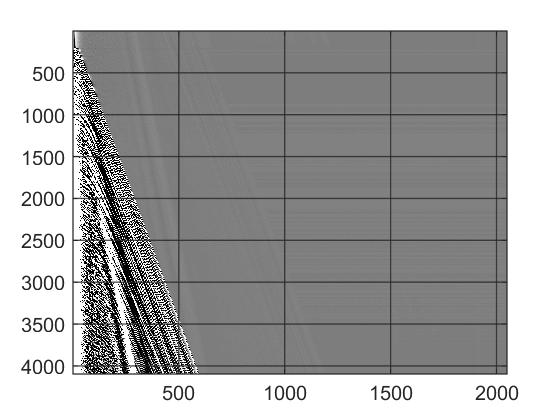
imagesc2( varargin )

Enhanced imagesc function with key control of color limit

You are now following this Submission

% enhanced imagesc function with key control for colormap limit
% Parameters are given as you give to imagesc built-in function
%
% When plotted, you could use following keys to control your color limit
% 1. left arrow <-- and right arrow --> are for decreasing and increasing color
% limit range
% 2. upper arrow and down arrow are for increasing and decreasing upper limit
% of color
% 3. pageup and page down keys are for increasing and decreasing lower limit of
% color
% 4. key s is for set color limit manually
% 5. key r is for reset color limit to the default ([max(data),min(data)])
% 6. key f is for set changing factor every time you change you color limit
% Note: f could be a complex number and real part stand for multiplication
% and imaginary part stand for addition.

Cite As

Chen Qi (2026). imagesc2( varargin ) (https://in.mathworks.com/matlabcentral/fileexchange/52484-imagesc2-varargin), MATLAB Central File Exchange. Retrieved .

Categories

Find more on Images in Help Center and MATLAB Answers

General Information

MATLAB Release Compatibility

  • Compatible with any release

Platform Compatibility

  • Windows
  • macOS
  • Linux
Version Published Release Notes Action
1.1.0.0

Change the way it works.

1.0.0.0