Unreal Engine Scenario Simulation
R2026bIn the Unreal Engine® simulation environment, scenarios are rendered using the Unreal Engine from Epic Games®. Use this environment to visualize scenarios using more realistic graphics to generate high-fidelity camera and lidar sensor data and to test perception-in-the-loop systems. This environment is available in Simulink®. For more information, see Unreal Engine Simulation for Robots.
Blocks
 | Simulation 3D Scene Configuration | Scene configuration for 3D simulation environment |
 | Simulation 3D Camera | Camera sensor model with lens in 3D simulation environment (Since R2024a) |
 | Simulation 3D Lidar | Lidar sensor model in 3D simulation environment (Since R2024a) |
 | Simulation 3D Robot | Implement robot in 3D environment (Since R2024a) |
 | Simulation 3D Physics Backhoe | Backhoe physics model in 3D simulation environment (Since R2024b) |
 | Simulation 3D Physics Dump Truck | Dump truck physics model in 3D simulation environment (Since R2024a) |
Scenes
Topics
Simulation Basics
- Unreal Engine Simulation for Robots
Learn how to use robotics algorithms in Simulink and visualize their performance in a virtual environment using the Unreal Engine from Epic Games. - Unreal Engine Simulation Environment Requirements and Limitations
When simulating in the Unreal Engine environment, keep these software requirements, minimum hardware requirements, and limitations in mind. - How Unreal Engine Simulation for Robots Works
Learn about the co-simulation framework between Simulink and the Unreal Engine and how block execution order affects simulation. - Interact with Unreal Engine Simulation Environment
Control actors in Unreal Engine environment using the Simulation 3D Viewer interface and programmatically control the simulation. - Navigate in Unreal Engine Environment
Control the view of the 3D environment in the Simulation 3D Viewer using keyboard shortcuts and pointer controls. - Coordinate Systems for Unreal Engine Simulation in Robotics System Toolbox
Understand the world and robot coordinate systems when simulating in the Unreal Engine environment.
Downloading Scenes
- 3D Scenes for Simulation in Unreal Engine Environment
Install 3D scenes for simulation in Unreal Engine environment.
Scene Customization
- Customize Unreal Engine Scenes for Robots
Customize Unreal Engine scenes for robotics applications.
Featured Examples
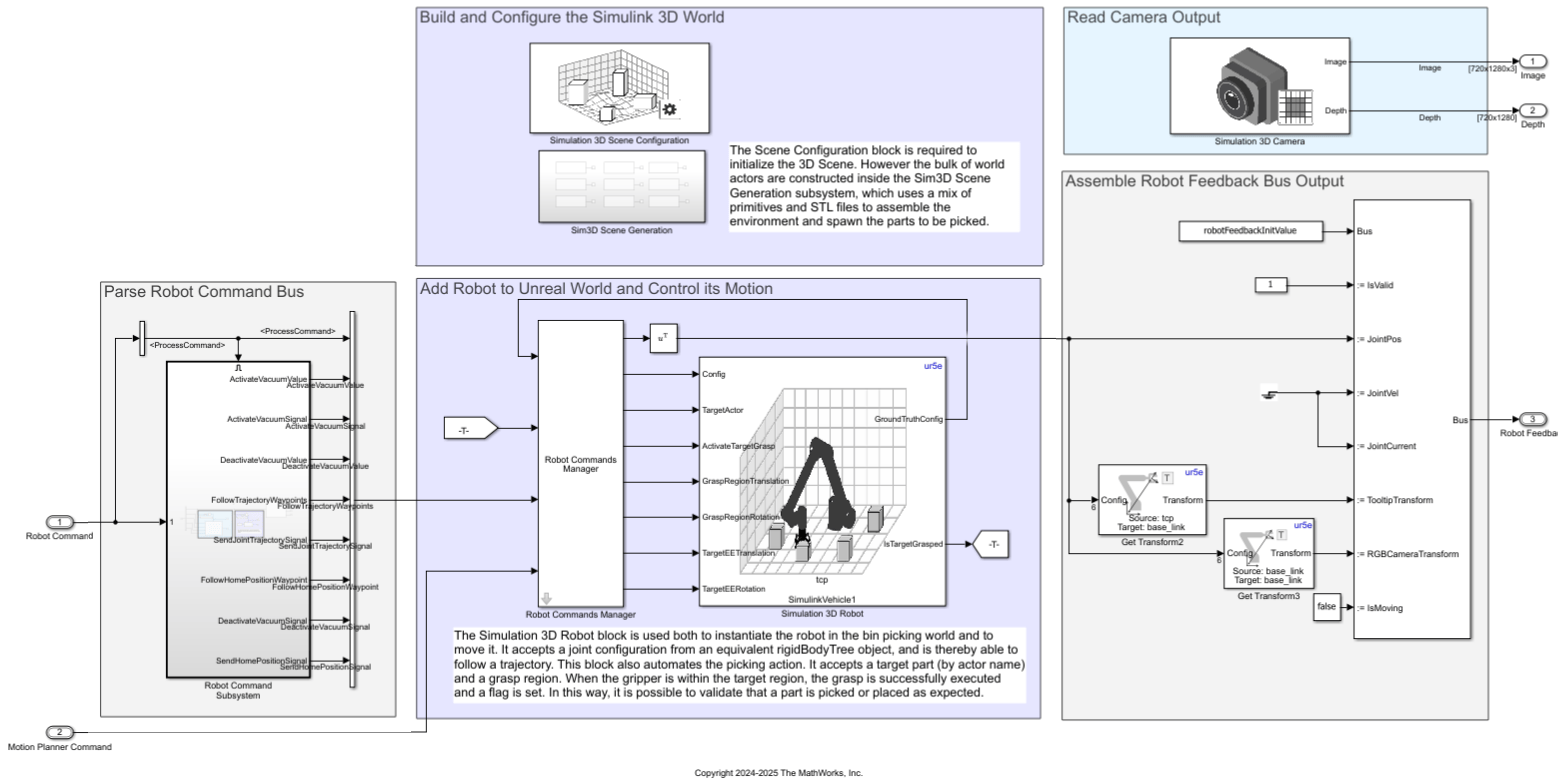
Design Bin Picking Scene and Sensors in Unreal Engine
Set up and interface with a bin-picking, Unreal Engine, simulation environment using Simulink 3D Animation™.
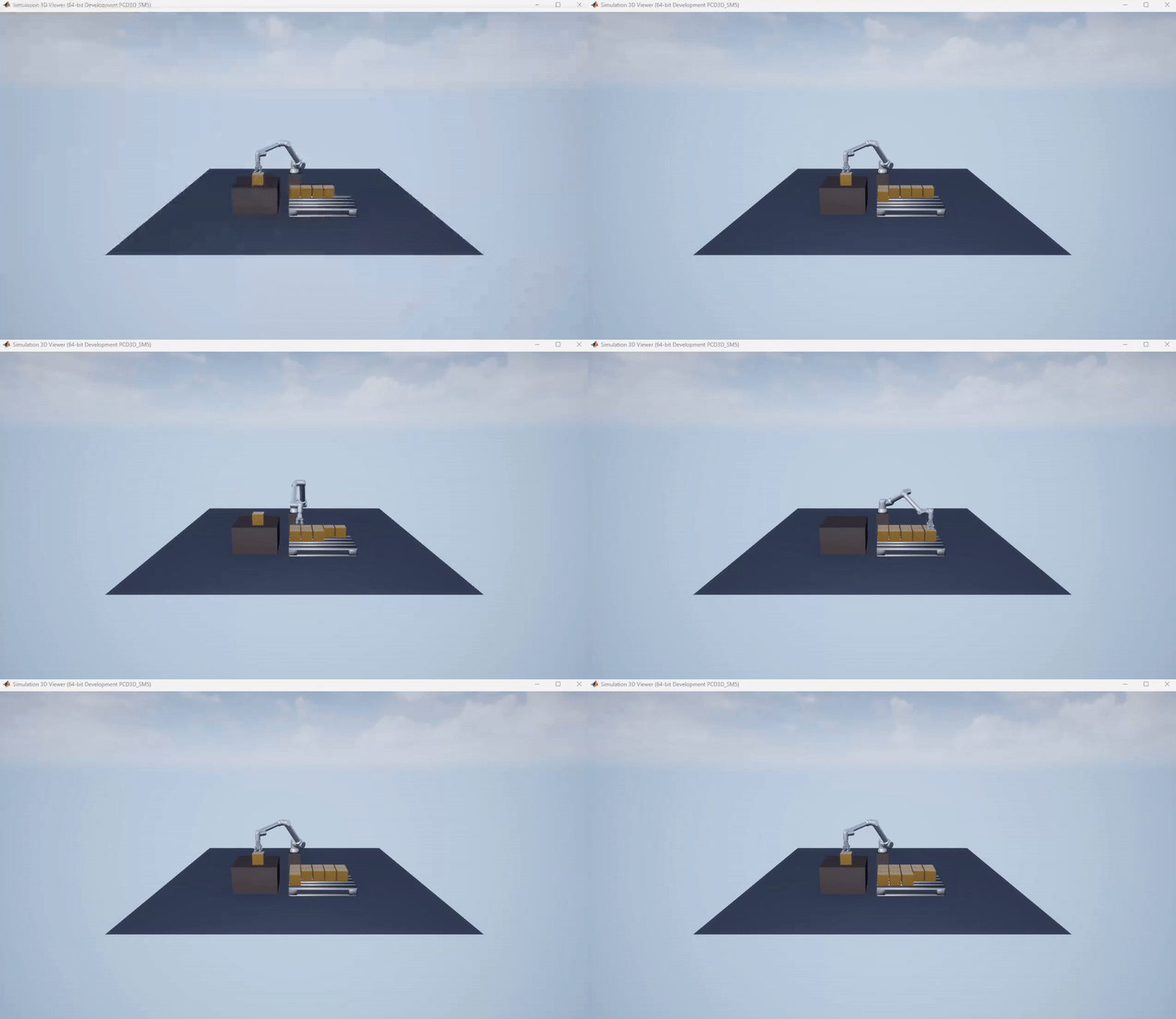
Palletize Boxes Using Cobot with Simulink 3D Animation™
Use UniversalRobots UR10e cobot to palletize boxes in Unreal Engine.
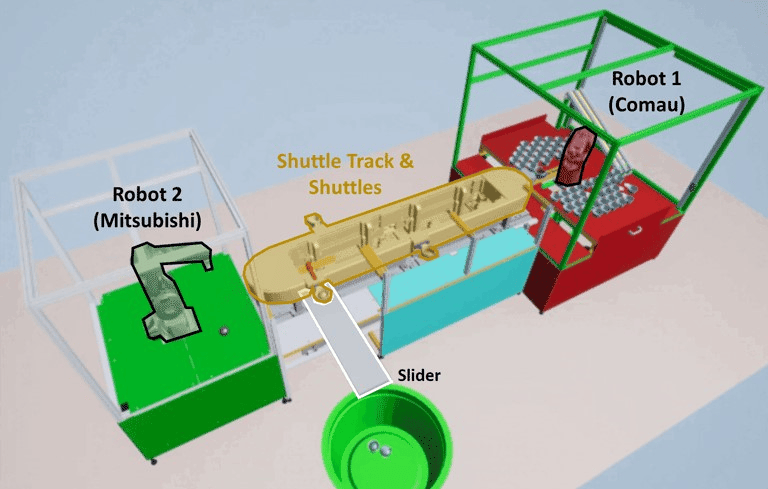
Automate Virtual Assembly Line with Two Robotic Workcells
Simulate an automated assembly line using Stateflow® for system control and Unreal Engine for virtual commissioning in Simulink.

