Organize and Share Architectures and Artifacts
R2026bUse Simulink® projects in System Composer™ to organize large-scale architecture modeling projects. You can use projects to find required files, manage and share files and settings, and interact with source control. Store architecture models and their artifacts such as data dictionaries, requirements, allocations, profiles, behavior models, test files, and scripts in a project. Use the System Composer Comparison Tool and System Composer Three-Way Merge Tool to compare System Composer architecture models and review, merge, and save changes.
If you are new to projects, for an introduction, see Projects in the MATLAB® documentation. For guidance specific to Simulink, see What Are MATLAB Projects in Simulink? and Using MATLAB Projects in Simulink.
You can access remote repositories compliant with SysML®
v2 in System Composer programmatically. The SysML
v2 repository API includes class-based introspection for SysML
v2 elements returned from remote repositories. The API includes a MATLAB class hierarchy that mirrors the SysML
v2 meta-model, supporting interactive exploration and type-dependent logic. You can
now use meta-programming functions such as isa, class, and properties to inspect SysML
v2 element types and discover available properties directly in MATLAB. You can also export MATLAB projects into SysML
v2 textual files using systemcomposer.sysml.exportFromMLProject .
Classes
Functions
Tools
| Interface Editor | Create and author interfaces in local and shared data dictionaries |
| Profile Editor | Create and manage profiles with stereotypes and properties |
| System Composer Comparison Tool | Diff and merge changes between System Composer architecture models (Since R2022a) |
| System Composer Three-Way Merge Tool | Resolve conflicts in System Composer architecture models (Since R2023b) |
Topics
- Choose Architecture Template for System Design
Select an architecture template based on domain-specific extensions.
- Organize System Composer Files in Projects
Use projects to organize your work, manage files and settings, and interact with source control.
- Manage Interfaces with Data Dictionaries
Save, link, and delete interfaces.
- Establish Traceability Between Architectures and Requirements
Link between architectures and requirements to show traceability.
- Best Practices for Profile Design
Learn about using profiles in systems engineering design, extending stereotypes, and specifying profile usages.
- Compare and Merge System Composer Architecture Models
Use the Comparison Tool to compare and merge System Composer architecture models and their artifacts. (Since R2022a)
- Resolve Conflicts in Architecture Models Using Three-Way Merge
Use the Three-Way Merge Tool to investigate and resolve conflicts in System Composer architecture models.
- Best Practices for Large-Scale Architecture Modeling
Build models using guidelines for best performance.
Related Information
Featured Examples
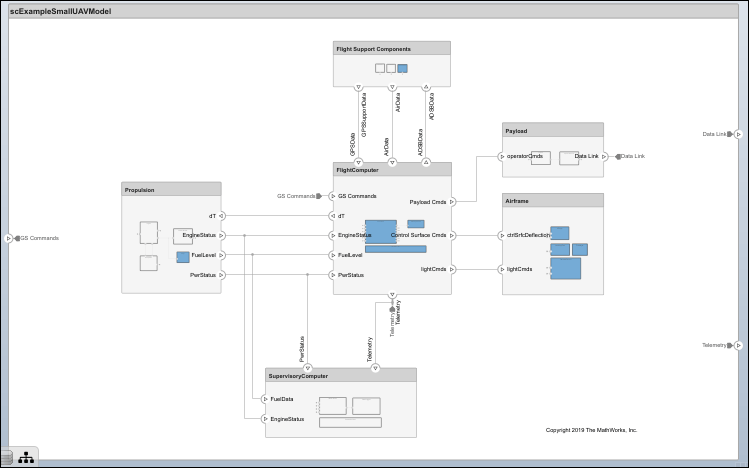
Modeling System Architecture of Small UAV
Set up and refine the architecture of a small unmanned aerial vehicle.
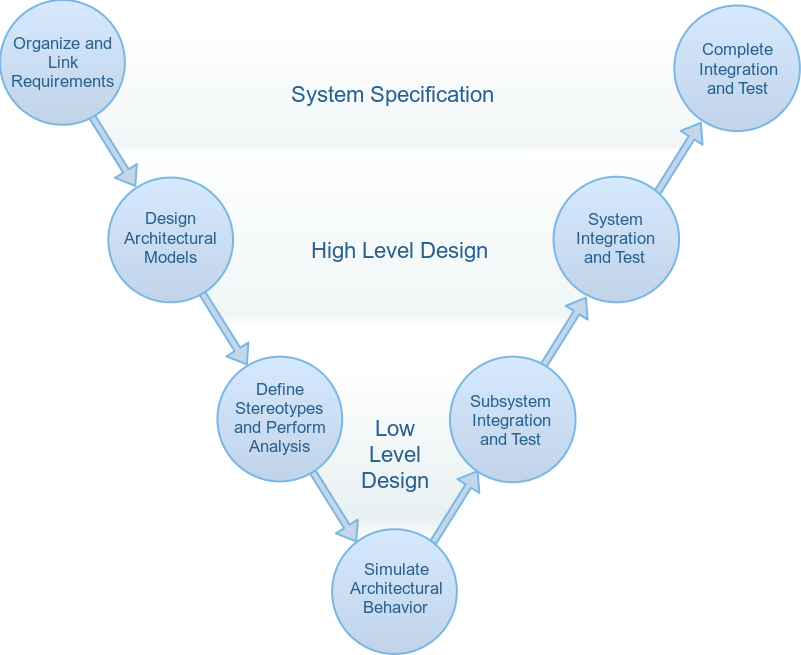
Simulate Mobile Robot with System Composer Workflow
Simulate a mobile robot architecture with a systems engineering workflow.
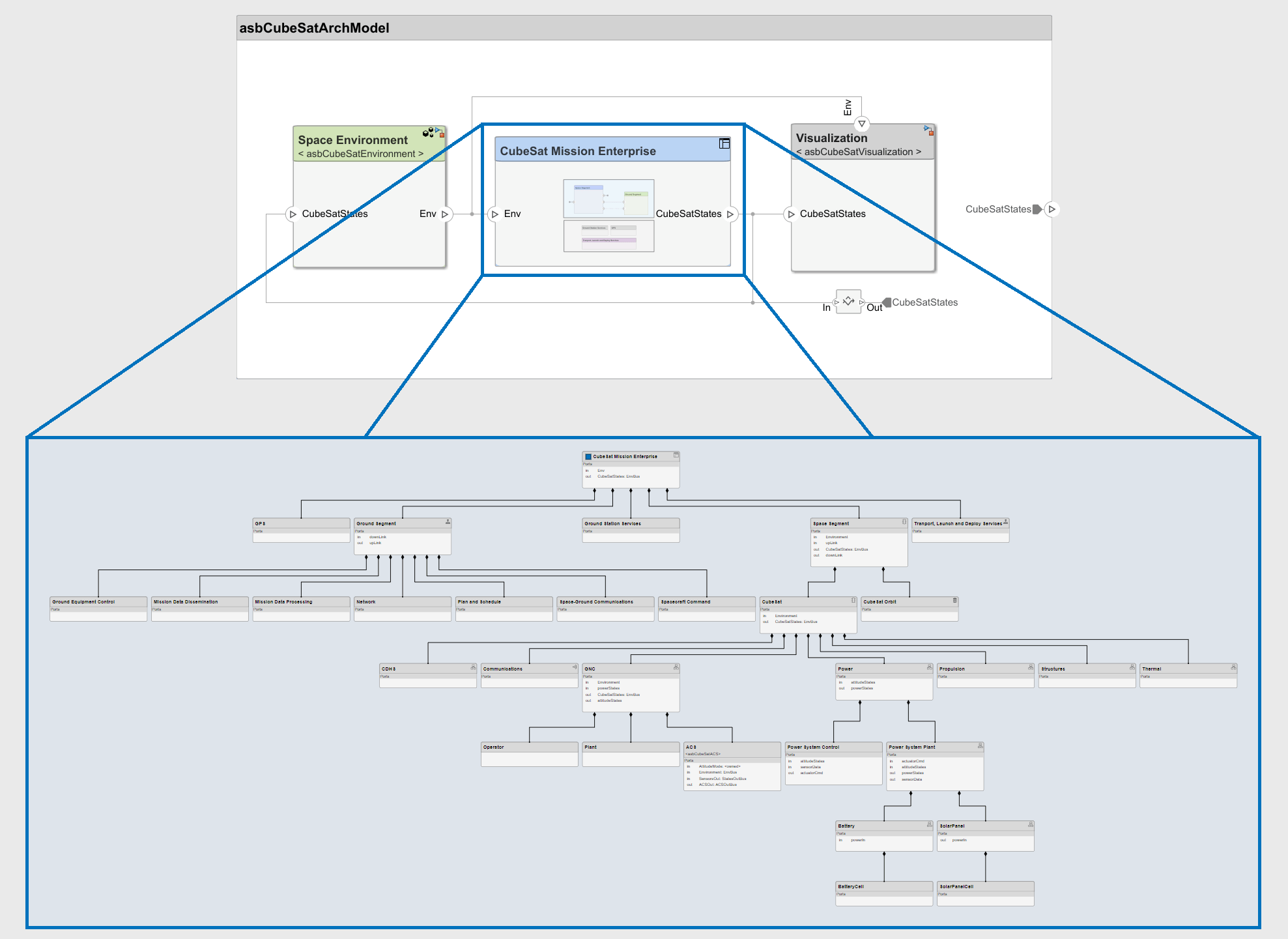
Model-Based Systems Engineering for Space-Based Applications
Explore the CubeSat model-based systems engineering project template.
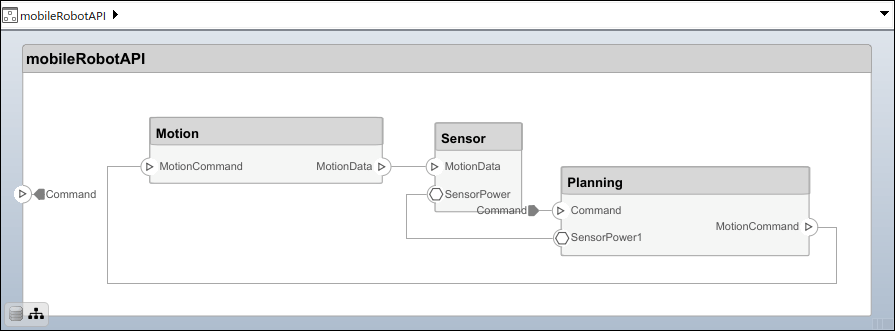
Build Architecture Models Programmatically
Programmatically build an architecture model.

